Delete your Instagram likes in bulk
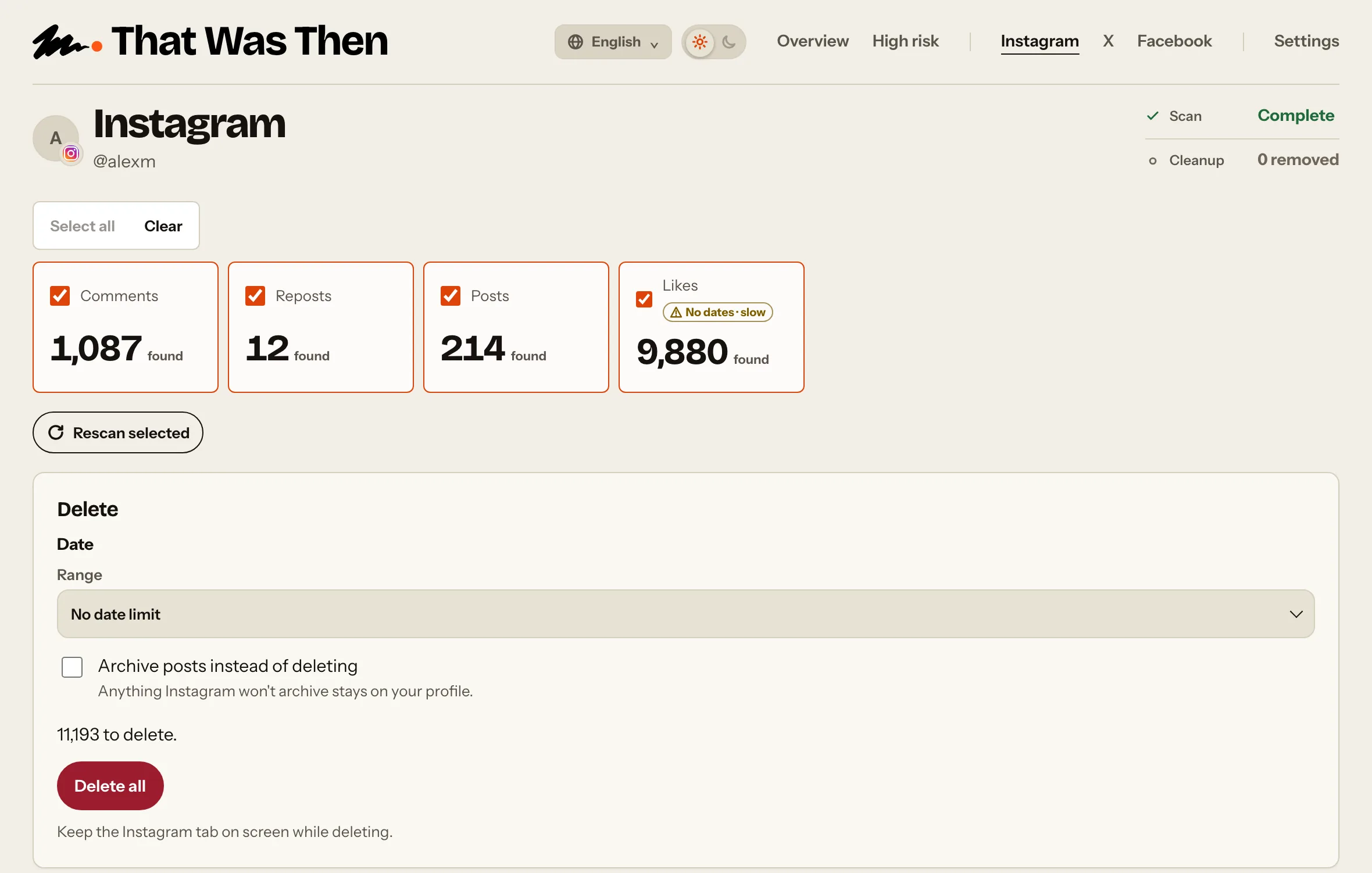
Find the Instagram likes the extension can reach and see the total. Scanning is free, and removing them all is an optional paid step.
Scanning is free. Cleanup is optional and paid.
Scan. Review. Clean up.
Scanning and reviewing are free. You choose whether you want to remove anything.
- 01
Scan
Choose the platform and activity you want to look through. That Was Then finds the supported activity available to the extension.
- 02
Review
Check how many likes the scan finds.
- 03
Clean up
Decide whether you want to remove the likes found. Nothing is deleted until you confirm.
See how many old likes are still there
To delete Instagram likes in bulk, the extension scans the likes Instagram makes available and shows you the total found. Unlike posts and comments, Instagram likes can't be reviewed one by one, so cleanup applies to the likes found rather than individual selections.
Questions
Answers about finding, reviewing and removing this activity.
Can I remove multiple Instagram likes?
Yes. The extension shows the number of likes found rather than individual likes. Because Instagram does not provide the date of each like, cleanup uses No date limit. Scanning is free; cleanup is optional and paid.
Can I remove Instagram likes by date?
No. Instagram does not provide when you liked each post. Choose No date limit to include these likes in cleanup.
Does removing my like delete the original post?
No. The extension uses the Unlike action for your account; it does not delete the post.
Can I keep individual likes?
No. Instagram Likes has no individual review list, so you cannot select specific likes to keep in the extension.
Can I like a post again later?
You can use Instagram’s Like control again if the post is still available to you.
Related activity
Explore another activity on Instagram.
Ready to see what's still there?
Download That Was Then and scan your supported social activity for free. Review what it finds before deciding whether you want to remove anything.